Voice the vision
Ready for a direction…
Built around Penpot workflows, tuned for everyday review, and ready for a deliberate editor handoff. Use your Codex or Claude to craft UI/UX for you.
The canvas is waiting for its next direction.
ready New visual directionVoice the vision
Ready for a direction…
Penpot overview
Penpot is an open-source design platform for product teams. It runs in the browser, can be self-hosted, and is built around open web standards such as SVG, CSS, HTML, and JSON. Easy Penpot helps you understand that workflow quickly before you open the editor.
If your team is worried about locked-in design files, fragile handoff, drifting UI systems, or starting a migration too blindly, start here. Watch the Penpot story, scan the visual guide, try one small UI direction, and decide whether Penpot fits the way your team designs, reviews, and ships interfaces.
The goal is simple: connect Penpot's strengths to real product work before you open the editor, so the first trial has a concrete purpose instead of becoming another tool tour.
Move from a real product screen to responsive UI, prototype flow, and reusable patterns without losing the context behind each decision.
Inspect implementation context that speaks in web standards, including CSS, HTML, SVG, JSON, spacing, and properties.
Evaluate whether open source, self-hosting, browser collaboration, and review controls solve problems your current design process cannot.
Penpot product story
This one-minute animation connects Penpot advantages to common team pains: design lock-in, scattered UI decisions, unclear handoff, risky migration, and the need for open workflow automation with human review.
Penpot product story: see how open ownership, responsive UI work, design systems, prototype review, inspect handoff, and integrations fit into one practical workflow.
Use the self-hosting and open-source angle to decide whether Penpot is worth testing for data, deployment, or vendor-lock-in concerns.
Look for the moments where prototype review and inspect details make design feedback easier for developers to act on.
Start with one real screen and one real flow, then judge Penpot against the work your team actually needs to ship.
Penpot story animation
The interactive summary highlights the same decision path as the video: own the design stack, reduce design-system drift, review a real flow, and keep future automation accountable.
More control over design infrastructure, clearer reusable UI decisions, stronger handoff context, and a workflow that can grow with design-code automation.
Penpot is open source, browser based, and self-hostable. That matters when your team needs more control over design infrastructure, data, and deployment choices.
Penpot helps teams move beyond single screens by organizing components, shared libraries, and native design tokens closer to implementation.
A useful Penpot workflow can stay simple: capture the brief, adjust the screen, prototype the path, inspect implementation details, and hand the final decision to the right person.
Penpot's forward-looking opportunity is stronger work around open APIs, plugins, MCP, and AI-assisted design-code workflows, while keeping human review and governance in the loop.
Promotional image series
These frames come from the animation and turn the main points into quick checks: control sensitive design work, design responsive screens, keep systems reusable, review flows, hand off implementation context, and connect automation carefully.
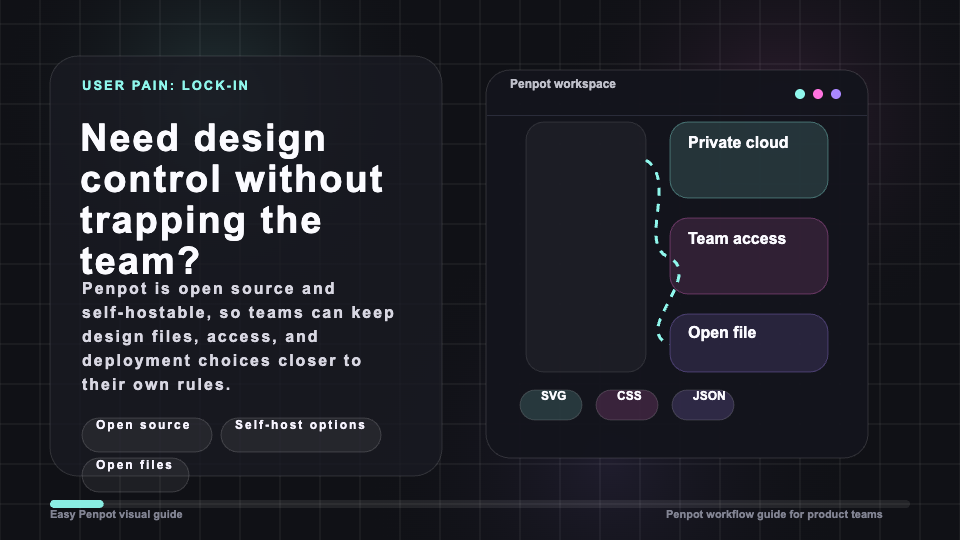
Open source and self-hosting make Penpot easier to test when file ownership, data boundaries, and deployment choices matter.
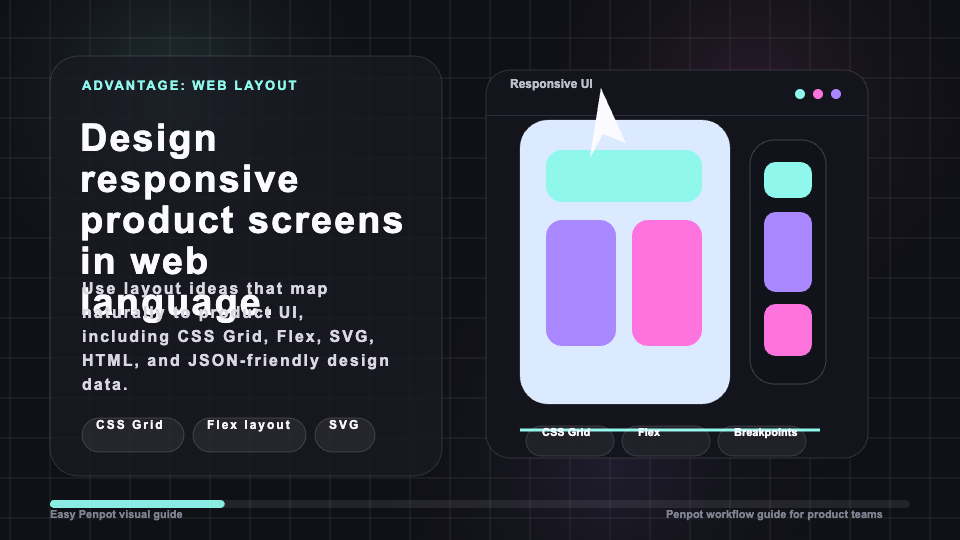
Responsive UI work feels more concrete when layout decisions can connect back to CSS Grid, Flex, SVG, HTML, and JSON-friendly design data.
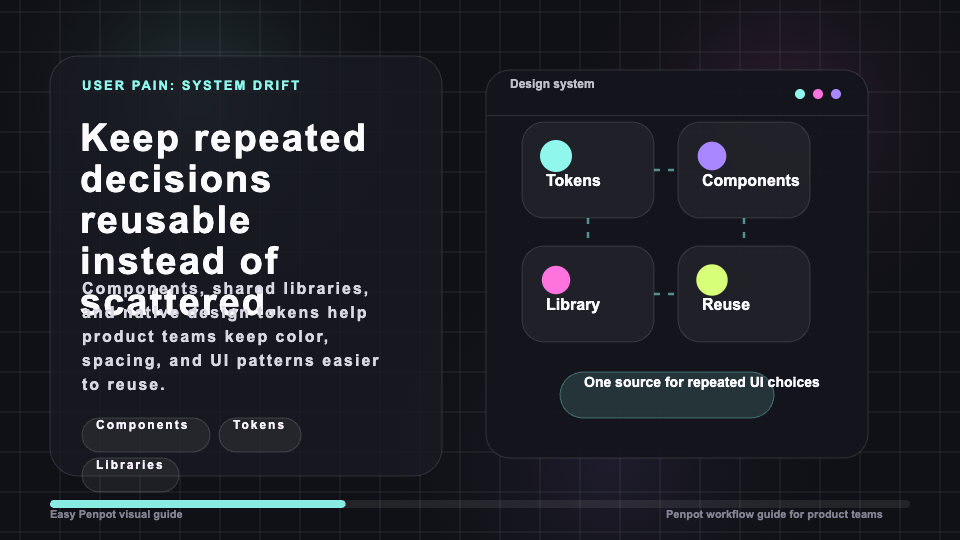
Components, shared libraries, and design tokens help repeated UI choices stay easier to reuse across product screens.
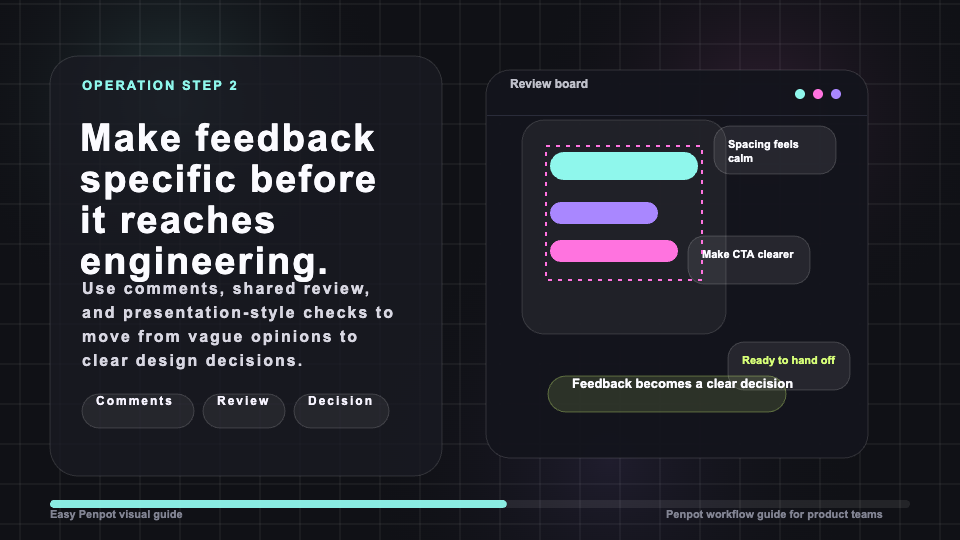
Start with a real interface task, connect a prototype flow, and judge the direction before the team invests in deeper implementation.
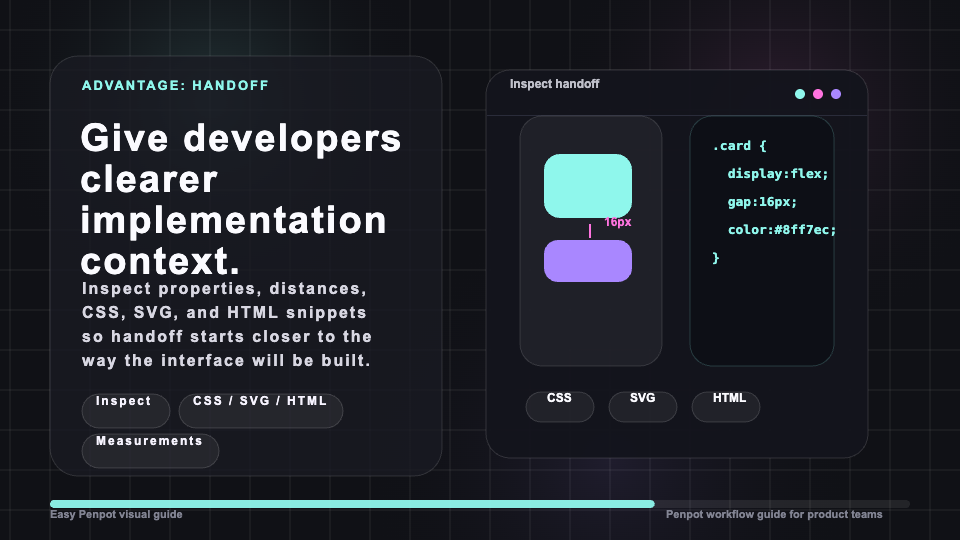
Inspect properties, distances, and code-oriented output so the handoff conversation starts closer to the actual interface.
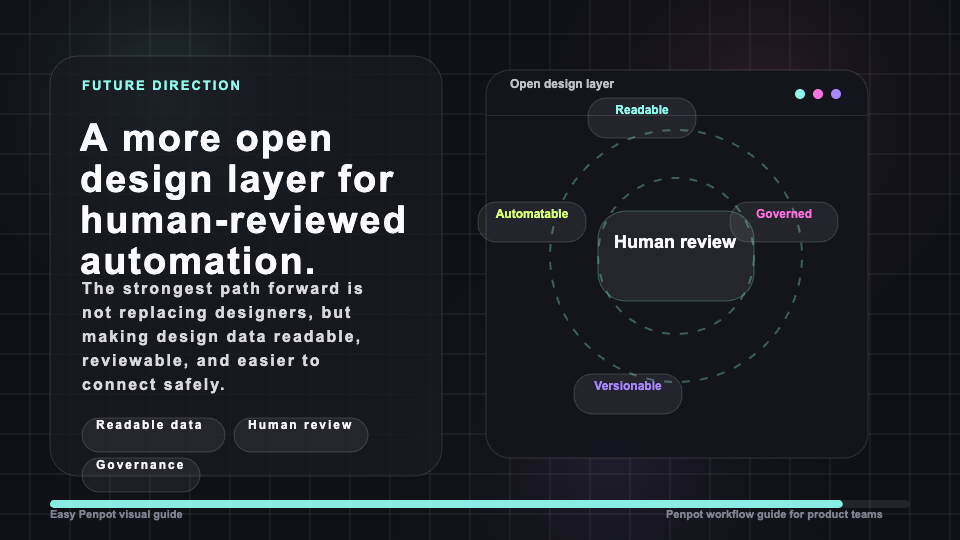
APIs, plugins, webhooks, access tokens, and MCP are most useful when teams keep design changes readable and governed.
Workflow
Use this simple path when you want to evaluate Penpot without getting lost in every feature on day one.
Pick a screen, component, or product flow your team already cares about. Penpot is easier to judge when the work feels concrete.
Describe the UI improvement in plain language: spacing, hierarchy, state, copy weight, responsive behavior, or the user journey that needs attention.
Use Penpot to shape the screen, connect the interaction path, and inspect implementation details before handoff.
Decide whether the result is ready for deeper design work, a developer handoff, another iteration, or a different direction.
Choose your path
Use these shortcuts if you already know what you care about: product-control pain, design system fit, self-hosting boundaries, developer handoff, or a small hands-on direction.
Use cases
Penpot is especially useful when your team wants open design infrastructure, stronger design-system work, and a smoother bridge between design and implementation.
Review UI direction, prototype important journeys, and make feedback easier for designers and builders to act on.
Build reusable components, manage shared libraries, and keep interface decisions connected to real product screens.
Use inspectable web-standard output and a clearer handoff path when design decisions need to become implementation work.
Comparison
| Need | Penpot helps with | Easy Penpot helps with | You decide |
|---|---|---|---|
| Design source of truth | Components, pages, prototypes, libraries, and detailed UI craft. | A quick explanation of how those pieces fit together before you open the editor. | Whether Penpot should become the main design workspace for the team. |
| Design systems | Reusable components, shared libraries, and native design tokens. | A plain-language view of why those system pieces matter for product work. | Which parts of the system should be created first. |
| Developer handoff | Inspectable design details that are closer to web standards and implementation. | A guided preview of when the design is ready for inspection or handoff. | What level of detail developers need before they build. |
| Self-hosted control | A browser-based design platform that can be self-hosted. | A simpler way to explain the self-hosted workflow to stakeholders. | How strict your security, deployment, and governance requirements are. |
Method, limits, and trust
Easy Penpot is an independent companion-style experience for people evaluating Penpot workflows. It is not the official Penpot project, and it does not replace the Penpot editor.
Use it to understand the product, preview a direction, and prepare a better discussion with your team. Final design decisions still belong with designers, product reviewers, developers, and the actual Penpot workspace.
The facts here focus on stable Penpot capabilities: open source, browser-based collaboration, self-hosting, UI design, prototyping, design systems, code inspection, open standards, plugins, MCP, and AI workflow direction. Last reviewed: July 15, 2026.
FAQ
Easy Penpot is an independent guide and workflow preview for teams exploring Penpot. It explains where Penpot helps with UI design, prototypes, design systems, code handoff, and self-hosted work.
No. Easy Penpot is independent from the official Penpot project. Use it as a quick orientation before visiting or opening the official editor.
No. Penpot remains the place where real design work happens. Easy Penpot helps you understand the workflow and prepare a clearer direction.
Video makes the main decision easier: whether Penpot's control, systems, prototype review, and handoff strengths match the pain your team is trying to solve.
Yes. Penpot supports self-hosting, which is one reason teams choose it when they need more control over design infrastructure.
Open the editor when you have a real screen, component, prototype path, design-system question, or handoff detail worth testing.
Ready to try Penpot? Open the editor when you have a screen, prototype, component, or handoff question you want to explore for real.
Model context for AI-assisted briefs. Design teams experimenting with AI-assisted briefs can use the Kimi K3 resource hub to compare long-context planning notes before connecting model output to real UI review.